GTA 6 First Missions: A Spoiler-Light Starting Guide
Start GTA 6 with the opening mission order, PS5 and Xbox binocular controls, mission-marker help and links to the official walkthrough and map.
On this page
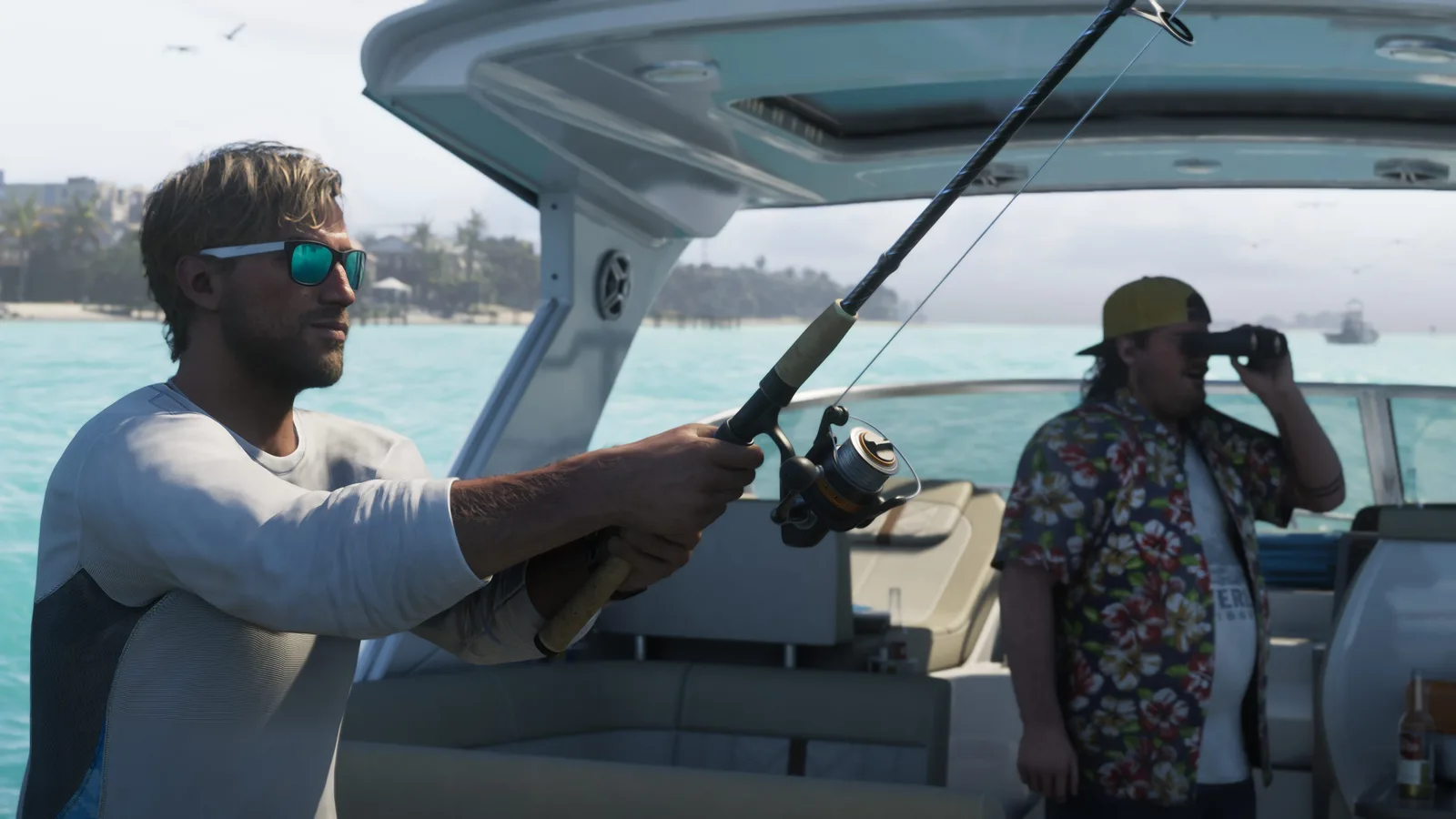
Image: Rockstar Games
GTA 6 opens with Lucia's Prologue, followed by Jason's Gone Fishing at the start of Chapter 1, according to PowerPyx's launch walkthroughs. If a guide calls Gone Fishing the first mission, check whether it counts the Prologue separately before comparing your progress.
This page reveals the first two mission names and explains the controls used in the opening stretch. Story outcomes are left out. The steps below come from the published playthroughs linked at the end, checked on 19 November 2026. The image of Jason fishing is a promotional screenshot from Rockstar Games.
Which opening mission am I playing?
| Opening section | Playable character | Where to get targeted help |
|---|---|---|
| Prologue | Lucia | PowerPyx: Prologue |
| Gone Fishing, Chapter 1 | Jason | PowerPyx: Gone Fishing |
PowerPyx identifies the Prologue's starting location as Hamlet Prison and says Gone Fishing begins immediately afterward. You do not need a later-chapter mission list to identify either opening section. The linked walkthroughs contain plot spoilers, including details this page leaves out; open the relevant one only when you want objective-by-objective help.
How do I equip the binoculars in Gone Fishing?
PowerPyx and GamesRadar's account of the same opening mission agree on these inputs:
| Action | PS5 | Xbox Series X|S |
|---|---|---|
| Open the loadout wheel | Hold L1 | Hold LB |
| Select binoculars | Move the right stick to binoculars | Move the right stick to binoculars |
| Look through equipped binoculars | L2 | LT |
| Increase binocular zoom | D-pad up | D-pad up |
GamesRadar specifies releasing the wheel button after selecting the item. Follow the on-screen prompt if your control layout differs. This table concerns the binocular tutorial, not a complete controls reference or a claim that every action uses the same input throughout the game.
Find the next objective without reading ahead
PowerPyx's walkthrough introduction describes pink markers with black letters for story missions; optional missions reverse those colours. Its pink storybook map icon opens pending missions.
The source says map labels can differ from titles displayed when missions start. Compare your current objective before choosing a walkthrough. It points to Progress → Story Recap for completed main missions, but warns the list can be incomplete. A missing entry alone is not evidence of a broken save.
Keep an earlier save if you want to revisit the opening
PowerPyx reports no mission-replay feature in its launch guide and recommends separate manual saves around chapter boundaries. Our practical suggestion is to retain an earlier save before replacing it with later progress, if you want the option of returning to the opening. We have not verified replay behaviour across patches; this is a precaution based on that report, not a guarantee that saving is available at every moment.
Official walkthrough and map, with a spoiler warning
Rockstar's 19 November launch announcement directs players to IGN's Official Grand Theft Auto VI Guide, describing launch coverage of the first two chapters and an interactive map. Use the guide link in that announcement to reach the endorsed resource. Rockstar also points to a printable Leonida map on the official GTA VI site.
A full map or chapter index can expose locations and mission names you have not reached. Start with your current objective's walkthrough rather than scrolling through the complete story index. For a geography overview without collectible pins, our Leonida regions guide explains the officially named areas. For purchase preparation, use the launch checklist.
Sources
- PowerPyx: Prologue and Gone Fishing, published 18 November; opening order, characters and binocular instructions, checked 19 November 2026.
- GamesRadar: Gone Fishing, Chapter 1 walkthrough, published 19 November; second gameplay account supporting the binocular inputs. Its indexed article text was available during research; direct page retrieval was unavailable.
- PowerPyx: full walkthrough introduction, published 18 November; mission interface and save/replay reporting. Later mission lists were not reproduced here.
- Rockstar: Grand Theft Auto VI Now Available, 19 November; official guide coverage and map availability. IGN's own pages were inaccessible during this check, so their individual walkthroughs and map features have not been independently inspected here.
Related guides
- GTA 6 Trophies and Achievements: Lists and Progress TipsTrack all 55 GTA 6 PS5 trophies and 55 Xbox achievements, with ranks, gamerscore and hidden awards. Plan progress using sourced earning tips.
- GTA 6 Cheats: Unlocks, PS5/Xbox Inputs and Safe SavesLearn when GTA 6 cheats unlock, how to enter PS5 and Xbox inputs, and why to save first. Includes checked weather, time and vehicle examples.
- GTA 6 Won't Install or Start? PS5 and Xbox HelpGTA 6 download stuck, missing from your library or refusing to start? Follow official PS5 and Xbox checks for queues, game ownership, codes and errors.
- GTA 6 Settings: Subtitles, Controls and Camera ComfortFind subtitle, text size, camera comfort and controller settings in GTA 6. Follow the in-game menu paths on PS5 and Xbox Series X|S during your first session.
Keep up with what is confirmed
One free weekly email with sourced GTA VI updates and useful guides. No rumours dressed as facts.